Open Game Library
862 game-ready 3D models, seamless PBR maps & sounds plus 66 verified engine guides — browse free or connect via zero-auth MCP.
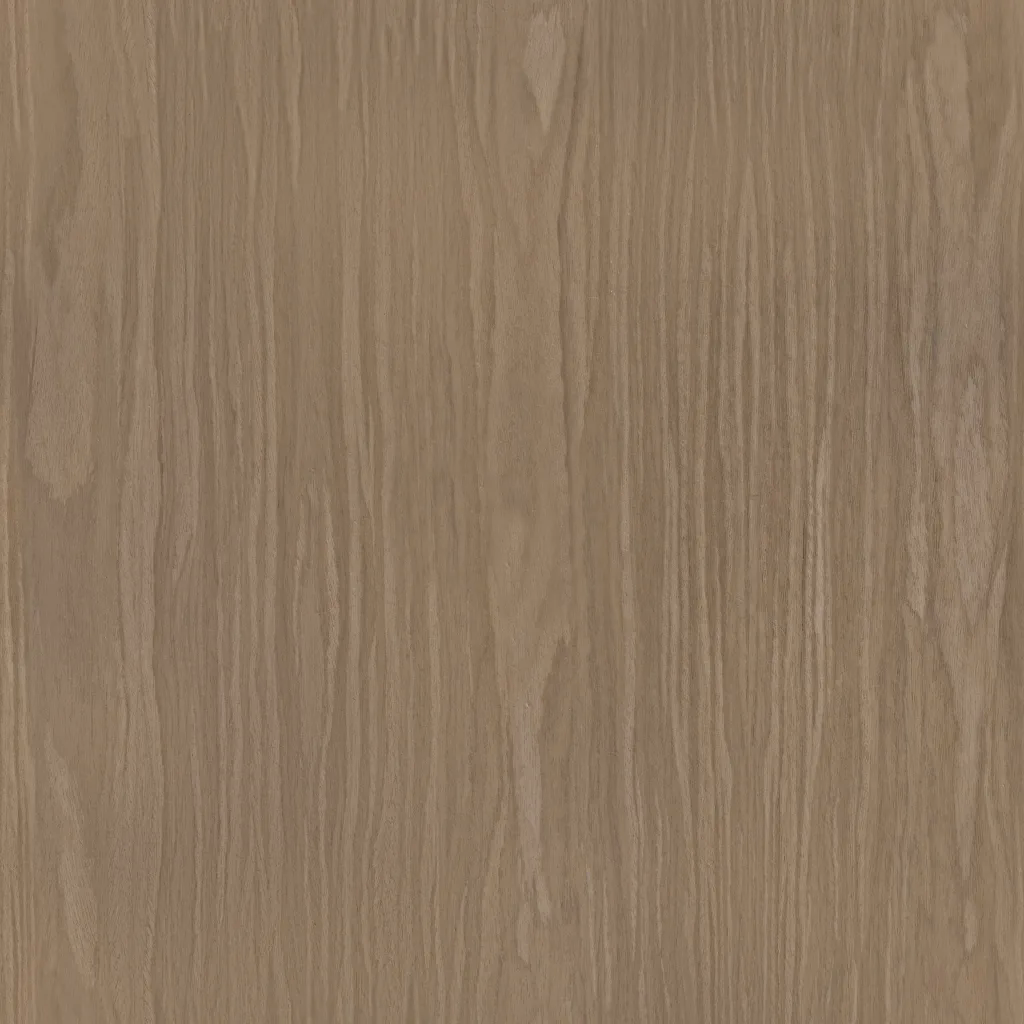
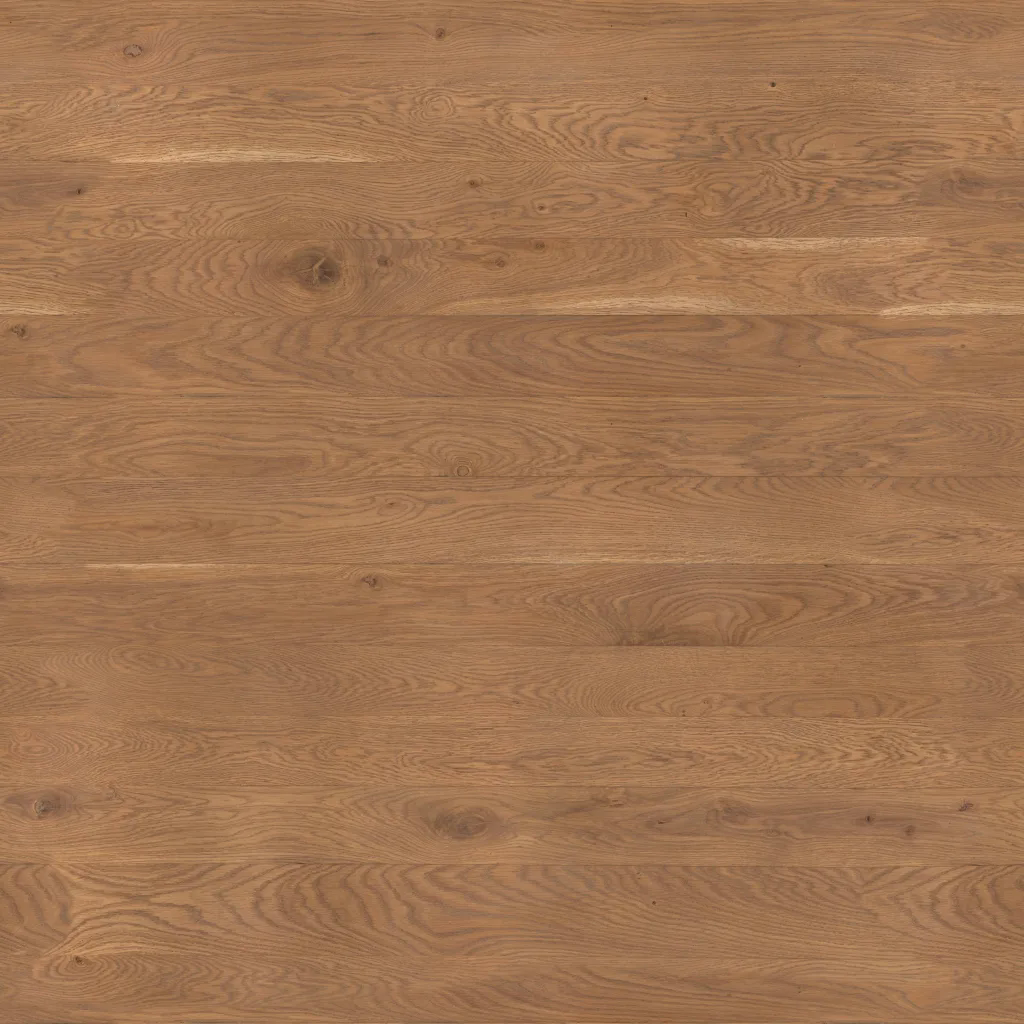
https://play.gamecrew.ai/mcp/libraryReusable 3D models, PBR textures & audio
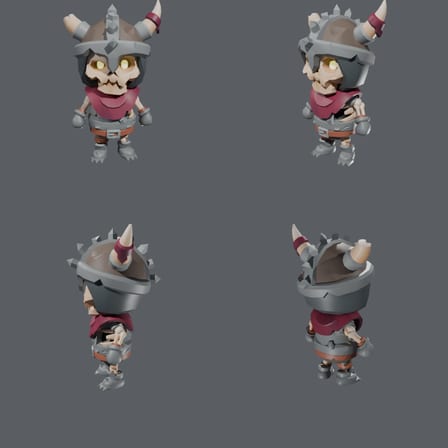
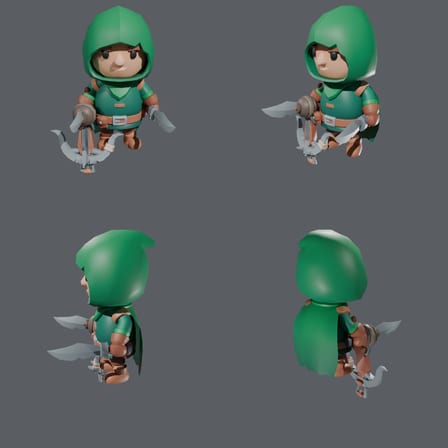
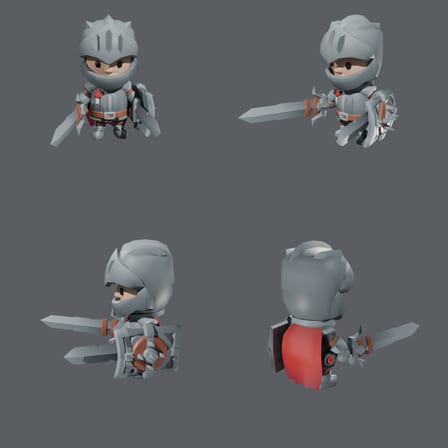

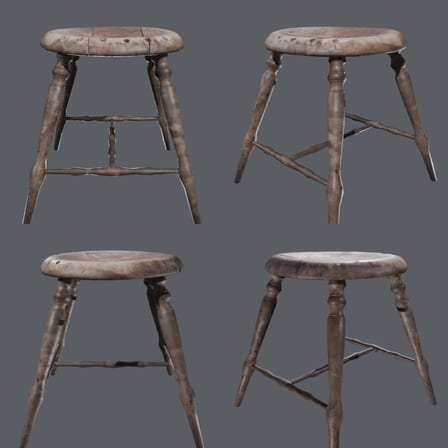
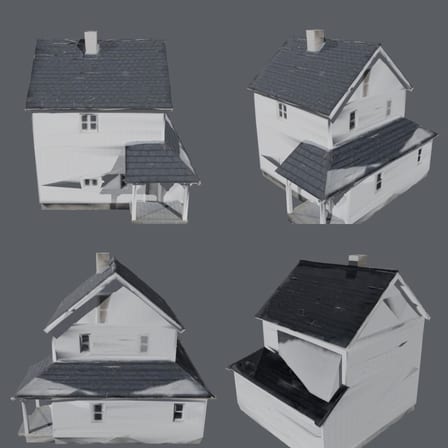
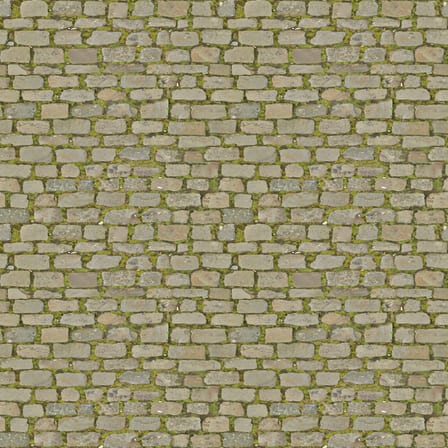
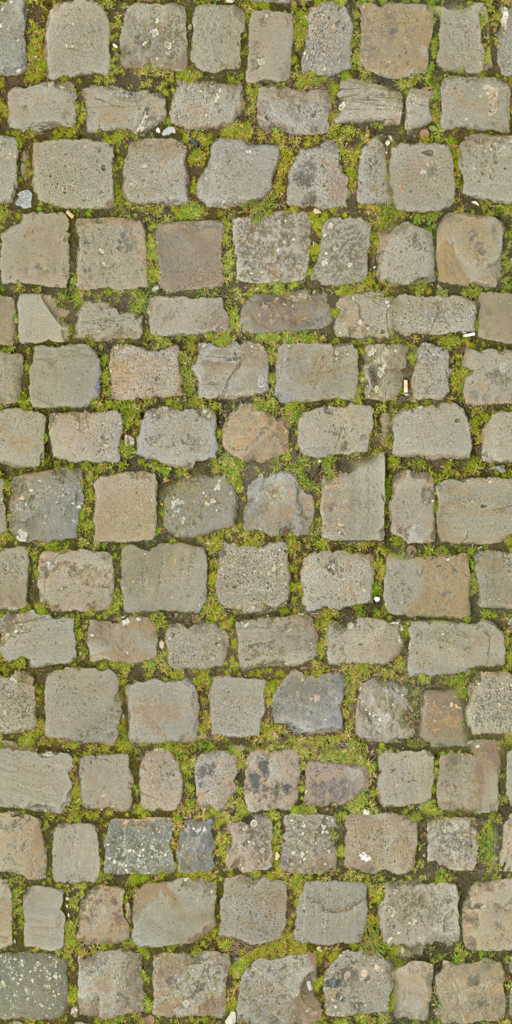
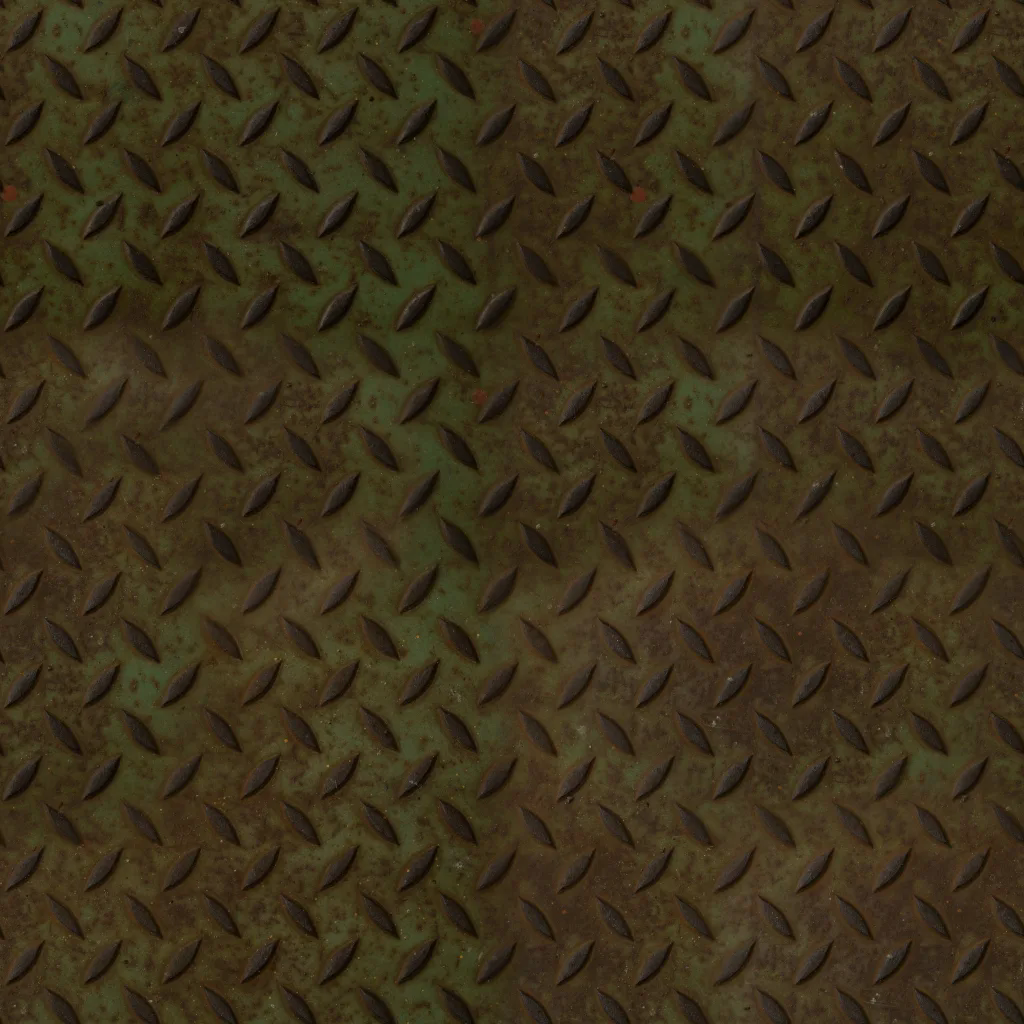
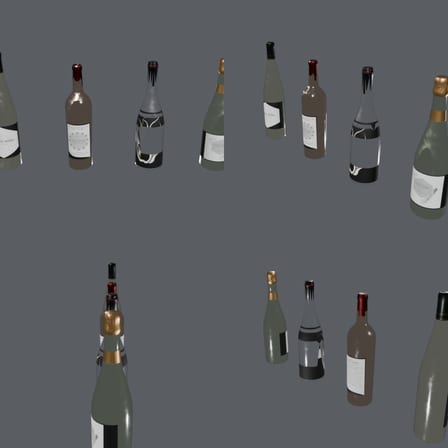
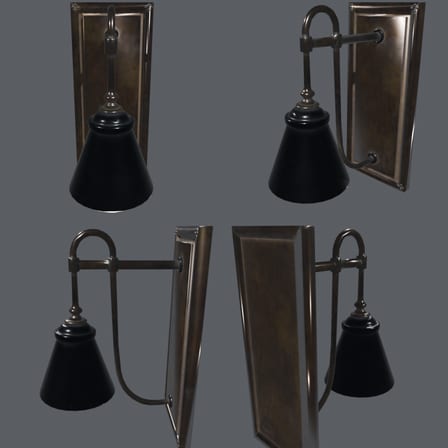
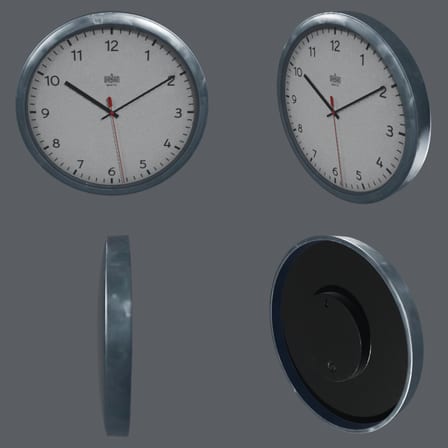
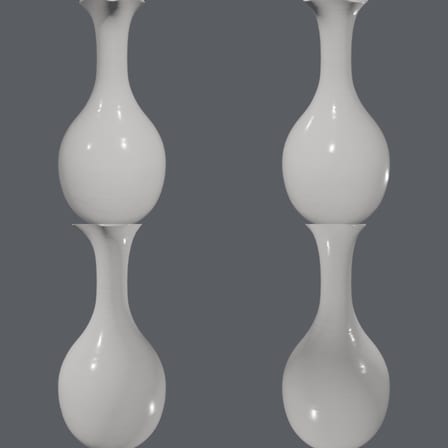
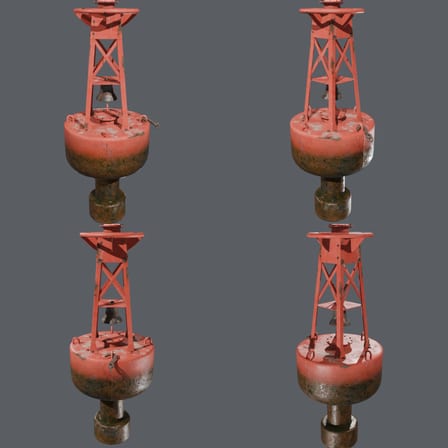
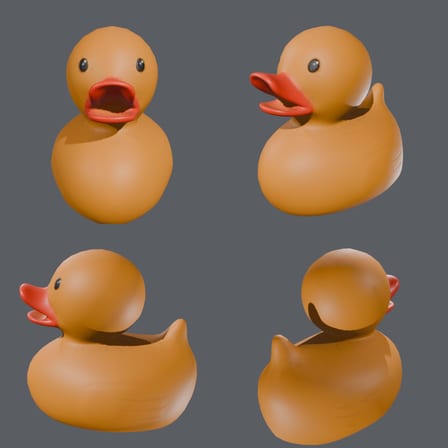
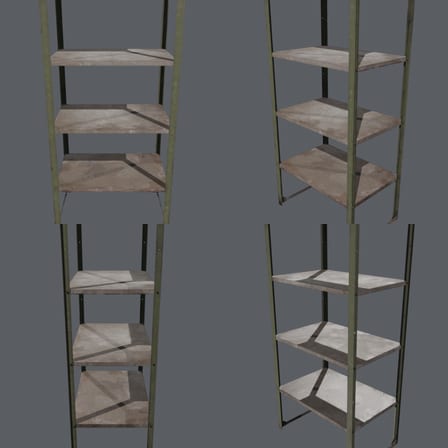
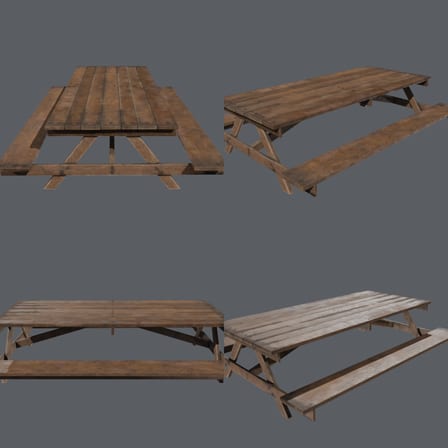
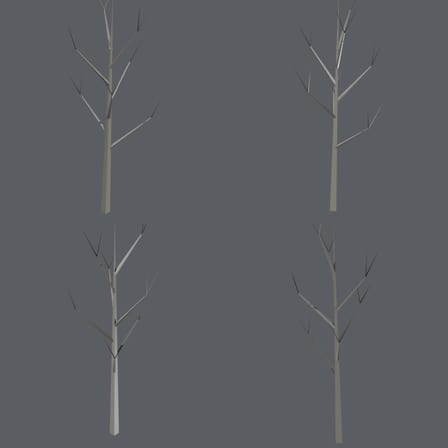
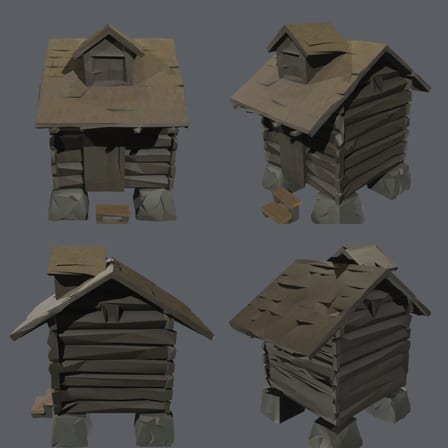
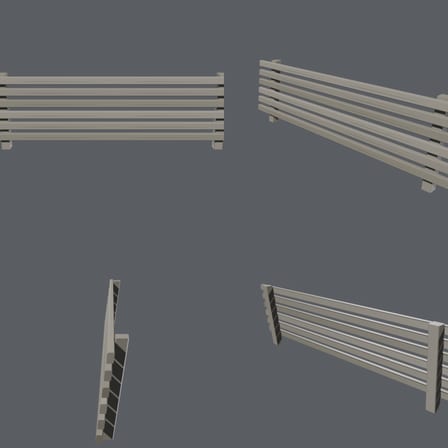
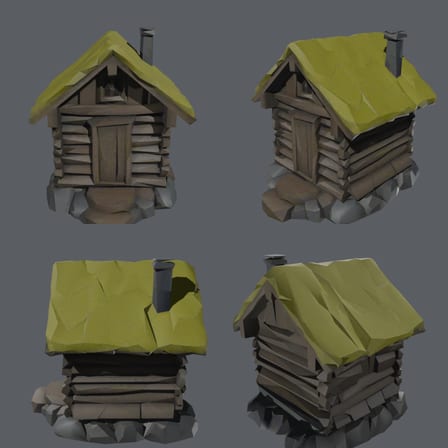
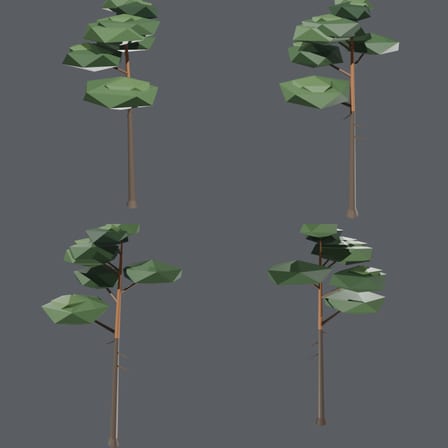
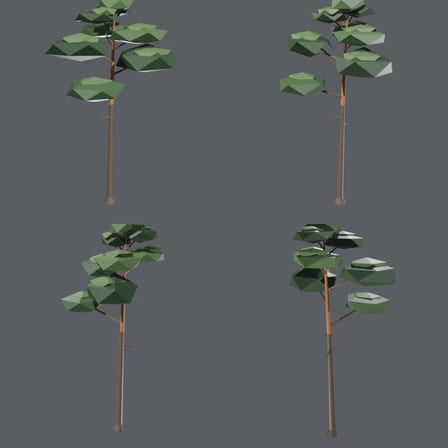
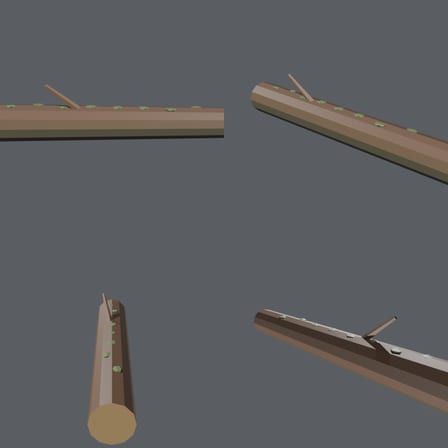
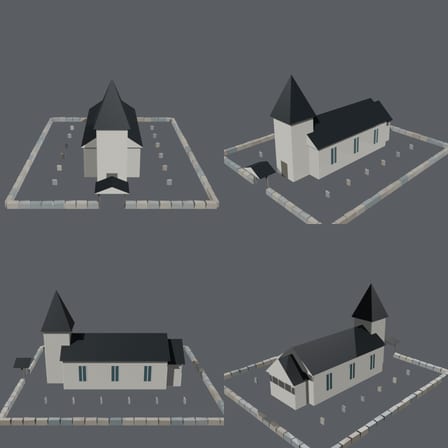


Verified engine technique guides
Voronoi Mesh Shattering, FABRIK Inverse Kinematics & XPBD Verlet Ropes in Three.js →
Zero-dependency Three.js r183 procedural motion and destruction toolkit combining Voronoi-jittered breakable box shards, multi-bone FABRIK inverse kinematics, and unconditionally stable fixed-step XPBD Verlet ropes and capes.
Baked 3D Volumetric Cloud Sea, World-Anchored Marching & TAA in Three.js →
Endless fly-above volumetric cloud sea in Three.js r183 WebGL 2 using a GPU-baked WebGL3DRenderTarget SDF and lighting volume, anti-boiling world-anchored z-plane marching, 3-octave Henyey-Greenstein scattering, and variance-clamped depth-packed TAA.
Physical Night Sky, Phase-Accurate Moon, Starfield & God Rays in Three.js →
Physically grounded WebGL 2 night sky dome in Three.js r183 featuring Lommel-Seeliger lunar shading, analytic 1D-integrated phase-shaped moon halo, Kasten-Young air-mass extinction, boundary-free 2x2x2-cell twinkling stars, great-circle meteors, and phase-aware radial light shafts.
Multiplayer Room State Sync & 60 Hz Avatars in Three.js →
Solo-first multiplayer with smooth 60 Hz remote avatars, host-owned shared state, reliable host claims, and deterministic two-peer room tests.
Quest WebXR Performance & Draw-Call Instancing in Three.js →
Stay under 200 draw calls and 300k stereo triangles per frame in WebXR via InstancedMesh batches, zero-alloc updates, and WorldPanel HUDs.
Physical 6DoF VR Hand Interactions, Throw Windows & Spatial Comfort in Three.js →
Tactile 6DoF WebXR hand interactions in Three.js using game.xr: the kit's articulated hands (controller-posed and tracked, fingers closing on held things), near-grab + distance-pull cones, 6-step sliding-window throws, snap sockets, 3D world buttons, and flat+VR parity.
Instanced Wind Foliage, Object-Pooled Particles & Spring Feel in Three.js →
Single-draw-call THREE.InstancedMesh wind foliage with player bend, zero-GC pooled burst particles, and dt-invariant second-order springs that keep 60 Hz steps under 2 ms.
Stylized Water, Cel-Shading Ramps & Outlines in Three.js (r183) →
Three.js r183 NearestFilter DataTexture cel-shading ramps, BackSide normal-extruded outlines, and analytical Gerstner wave water ShaderMaterial with cellular foam.
Atmospheric Height Fog, Sun Shafts & Rim-Readable Lighting in Unity 6 URP →
Three-point outdoor/interior URP lighting recipe combining directional sun + warm/cool fill, exponential height/distance fog, ACES/Neutral post-processing, and anti-darkness floors so captures never read black or washed out.
Cinematic Night Color Grading, Split-Toning & 24 fps Film Grain in Three.js →
Zero-LUT Three.js r183 EffectComposer ShaderPass applying linear exposure and white balance, ACES filmic tone mapping, luminance-normalized split toning, lifted night-air blacks, warm-source cast protection, 24 fps clumped film grain, and 8-bit dither.
Volumetric Storm Lightning, Branching Bolts & Internal Cloud Glow in Three.js →
Fractal branching 3D lightning bolts rendered as screen-facing MaxEquation strips with per-vertex volumetric cloud veiling, dual internal-scattering line lights, multi-stroke return timelines, distant horizon flashes, and distance-delayed GameAudio thunder.
CharacterController Slope Projection & Floor Snap in Unity 6 →
Deterministic Unity 6 CharacterController locomotion with SphereCast ground projection, ramp stickiness, steep-slope slide, and coyote jumps.
Use this library inside the collaborative ecosystem
1. Join free as a Contributor
Connect your coding assistant over MCP to reuse shared GameCrew AI assets, branch public games, contribute technique guides and earn credits on merged merge requests.
Join early access →2. Draft a free pitch
Describe a game idea on the home page and get a structured pitch plus three visual moodboards in two minutes — no sign-up required.
Pitch an idea →3. Compare tiers & rewards
See how Contributor and Platform work side by side, or read how downstream craft rewards pay crews back when others reuse their work.
Explore collaboration →Open Game Library & MCP FAQ
Can I use these 3D models, PBR textures, sounds, and engine guides in commercial games?
Every asset labelled CC0, Public Domain Mark, or CC BY allows direct commercial use with no account required (keep the generated creditLine / credits.json entry for CC BY). Assets labelled Free on GameCrew are free inside GameCrew cloud workspaces and exports.
How do I import the 3D models and PBR textures into Unity 6, Godot 4, or Three.js?
3D models include a web-ready GLB alongside LOD0–LOD2 FBX files (and animated.fbx / animated.glb when rigged), plus the free Unity 6 URP importer ZIP at /library/unity-importer.zip that generates prefabs, URP Lit materials, and Animator controllers automatically.
How do coding assistants connect over MCP with no sign-up?
Add https://play.gamecrew.ai/mcp/library as a zero-auth Streamable HTTP MCP endpoint. Your assistant can search and fetch open models, seamless textures, audio, offline engine APIs, and compile-verified technique guides right from the chat.
Can I request a missing 3D model, PBR material, audio clip, or technique guide?
Yes. Submit a request with the feedback form on /library or call submit_feedback on either /mcp/library or authenticated /mcp whenever something is missing or an asset needs improvement.
How does GameCrew build and host full games from these assets?
Connect https://play.gamecrew.ai/mcp for the free Contributor tier where your coding assistant edits projects and GameCrew compiles, playtest-checks, and hosts browser/VR share links, or use Platform where the AI crew builds full games from a short brief (/tiers).