Playable multiplayer browser games
Share a room link with friends in seconds. Every multiplayer build is automatically verified with two connected browser peers — testing handshake, state sync, and host migration.
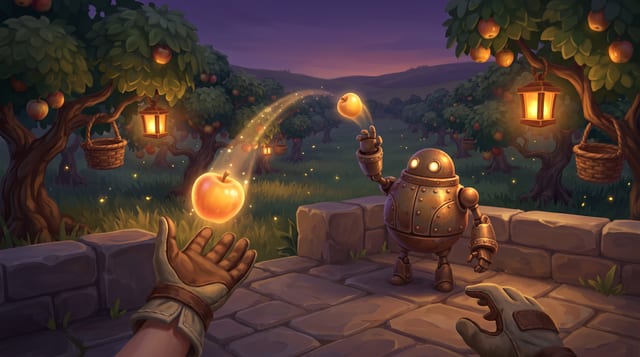

Kerbside
Every push, pop and scrape is earned: a grounded skateboarding game where your feet, not a button, do the trick, and a clean landing feels like the real thing.
One-click starter briefs for Multiplayer
Pick a direction to pre-fill a free two-minute structured design pitch with moodboards — no sign-up required.
Co-op orbital salvage tugboats
Two to four players crew tethered space tugboats in shared WebSocket rooms, hauling unstable reactor pods past asteroid currents before batteries drain.
Arena bumper-lantern rink
Fast 2v2 ice-rink dash match in shared browser rooms where banking off brass pillars lights rink tiles and knocks rival lanterns out of bounds.
Two-player clockwork bridge builders
Synchronized puzzle adventure where one teammate raises counterweights while the other guides rolling brass spheres across shifting viaduct gates.
Related guides & breakdowns
- Room state interpolation technique guide
- How builders collaborate with forks & merges
- Explore WebXR VR games
Multiplayer questions
Do multiplayer GameCrew games require port forwarding or external servers?
No. Multiplayer builds use GameCrew’s built-in ephemeral room relay — one player opens the link, creates a room code or shareable join URL, and friends drop straight in.
How does automated verification check multiplayer rooms?
Our `mp-check` gate opens two independent headless browser peers in the same room, checks state synchronization, captures side-by-side screenshots, and verifies host migration when the first peer leaves.
Do multiplayer rooms work in both flat browsers and WebXR headsets?
Yes. Room sync runs over the same WebSocket protocol on desktop, mobile touch, and Quest WebXR browsers.