What is GameCrew AI?
GameCrew AI is an AI game maker where people, their own coding assistants and an optional AI crew build real-engine games together in Unity 6, Godot 4, Three.js and Pulse, with every saved version tested in its engine and playable from a link in any browser or VR headset. Every game is a repository: its crew works on it together, other people branch it and send changes back as merge requests, and makers share 3D models, textures, sound and engine technique guides in the Open Game Library.
Is GameCrew AI free?
GameCrew AI is free to start: playing games, the Open Game Library and the technique guides need no account and cost nothing. The Contributor tier, where your own coding assistant builds the game and GameCrew AI runs the engine, checks each version and hosts it, is free during early access (8 games of your own and 30 engine minutes a day). The Platform tier, where GameCrew AI’s crew builds from your brief, starts on a Free plan with 20 credits once; paid plans are set by an admin during early access and no card is charged for a plan yet.
How do I make a VR game that plays in the browser?
A browser VR game is a web page that starts a WebXR session, so a headset’s browser plays it from a link with no store or install. On GameCrew AI you start a game with the VR target in Three.js or Godot 4 (or Unity 6 on the Platform tier), from a brief with the AI crew or from your own coding assistant; every save is checked in an emulated Meta Quest 3 headset, and its play link offers Enter VR in a headset’s browser and plays flat on desktops and phones.
Can my coding assistant build a game with GameCrew AI?
Yes. GameCrew AI is a remote MCP server your coding assistant connects to by its address: the assistant writes the game on your own AI subscription, and GameCrew AI runs the engine (Three.js, Godot 4 or Pulse) in the cloud, tests each saved version and gives it a play link. Your assistant can start a game from a template, fork a showcase game, or branch someone else’s and open a merge request. This is the Contributor tier, free during early access.
What is the difference between a contributor and a Platform account?
Who does the work. As a contributor, your own coding assistant does it: you change games through branches and merge requests, keep 8 games of your own, and it is free during early access. On Platform, GameCrew AI’s crew builds games from your brief, with art, 3D models and sound, on a plan from Free to Team. Both are early access. You can ask to move either way from your account’s Usage page: moving to Platform needs a free seat and an admin’s approval, and moving to Contributor frees your seat and keeps every game yours.
What game engines does GameCrew build with?
GameCrew builds real projects in four engines: Unity 6 (Universal Render Pipeline for rich 3D worlds), Godot 4, Three.js for fast browser-first 3D, and Pulse (a deterministic TypeScript web engine). Three.js, Godot 4 and Unity 6 games can also target WebXR VR headsets directly in the browser.
Do players need to install anything to play a GameCrew game?
No. Every verified version gets a shareable link that runs directly in desktop and mobile browsers with phone touch controls, and VR-enabled builds offer Enter VR in a headset browser via WebXR. Creators can also download full engine projects and standalone builds.
How does GameCrew verify that a generated game actually works?
Before a version is marked verified, GameCrew compiles the project in its engine, runs automated edit-mode and play-mode tests that simulate gameplay, checks console logs, boots the web build in headless Chrome, tests VR builds with an emulated WebXR headset, and captures multi-angle screenshots.
Who owns the games and source code made with GameCrew?
Games you build on GameCrew belong to you. At any time you can download your game’s full project archive (C#, GDScript, or TypeScript source, scenes, rigged 3D models, PBR textures, and audio) along with its exported web build.
How long does it take to go from a prompt to a playable game?
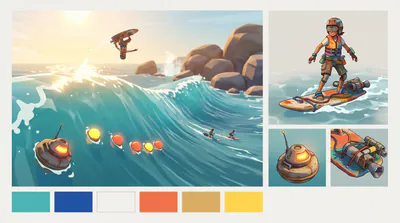
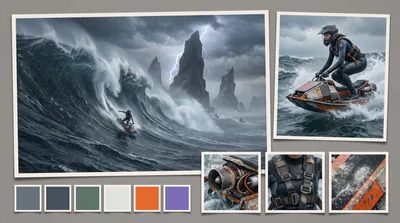
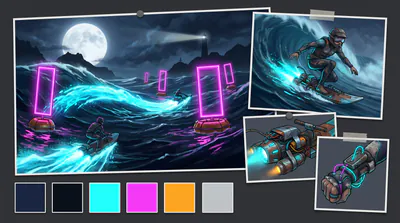
GameCrew delivers a structured pitch, visual moodboards, and concept art in about two minutes. Measured by engine, a tested first prototype typically finishes in 5–15 minutes for Quick (Three.js) and Pulse, 10–20 minutes for Godot 4, or 25–45 minutes for Unity 6 (45–90 minutes for a full Unity 3D vertical slice); follow-up changes take 5–12 minutes to 10–25 minutes.
Can I edit a GameCrew game locally or build together with other creators?
Yes. Every saved version exports as a clean project zip you can open in the Unity 6 Editor, Godot 4 Editor, or VS Code, or steer over MCP. Creators can also branch each other's games, send verified improvements back as merge requests, and reuse shared 3D models, PBR textures, and engine techniques.
Can I download GameCrew’s 3D models, PBR textures, audio, and engine guides for free?
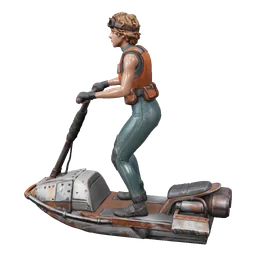
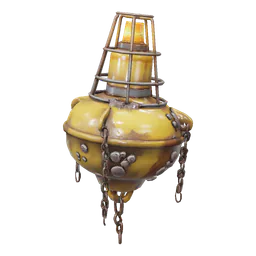
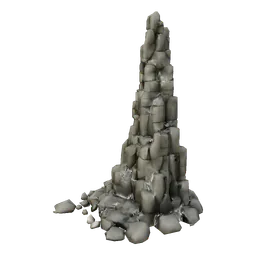
Yes. GameCrew’s Open Game Library (/library) and zero-auth MCP endpoint (/mcp/library) let anyone browse and download CC0 and CC BY 3D models (GLB and Unity 6 LOD FBX), seamless PBR textures, open game audio, offline engine APIs, and verified Unity 6, Godot 4, Three.js, and Pulse technique guides with no account required.

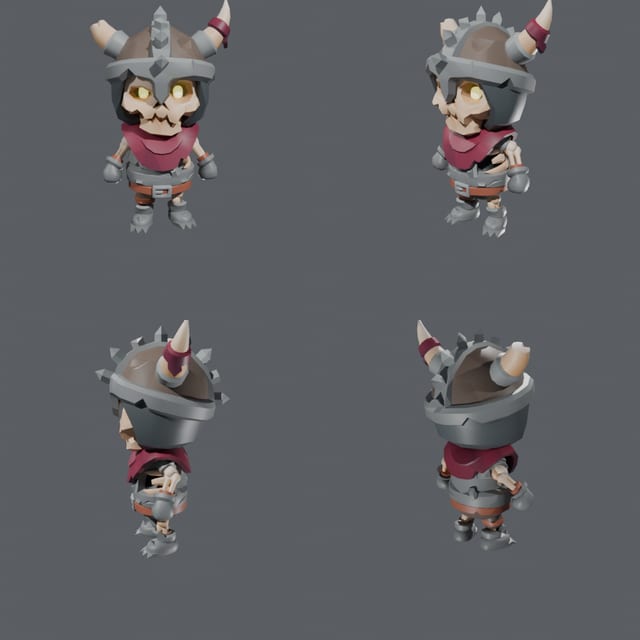 CC0
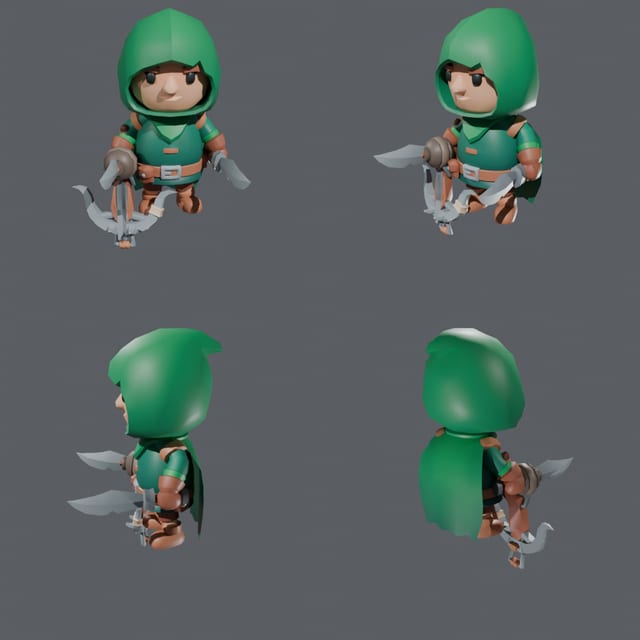 CC0
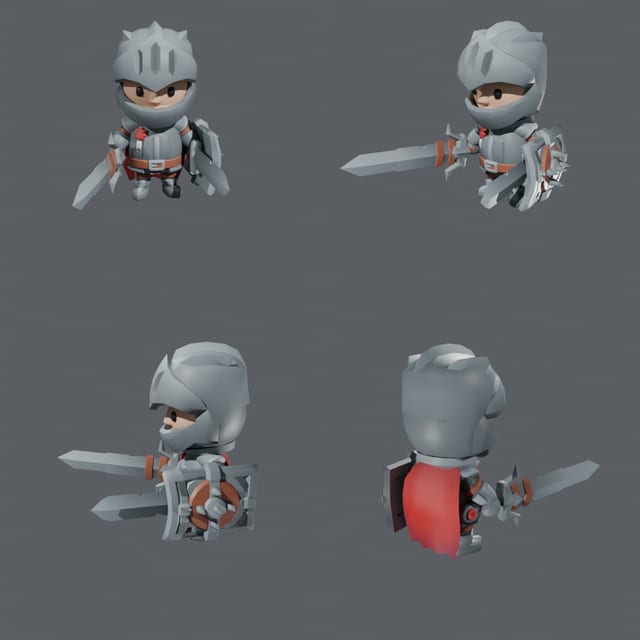 CC0
 CC0
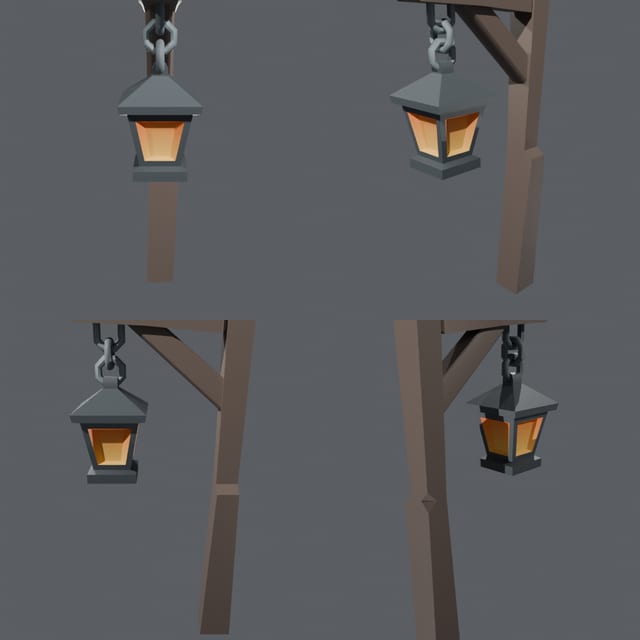 CC0
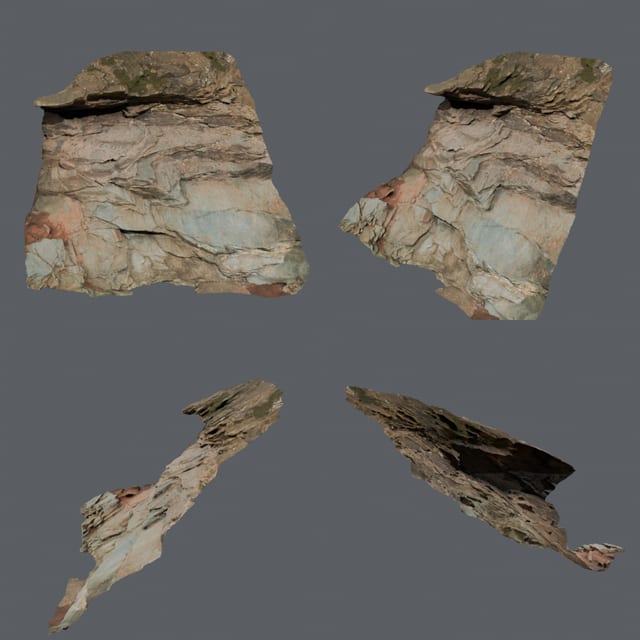 CC0
 Play it
 Play it
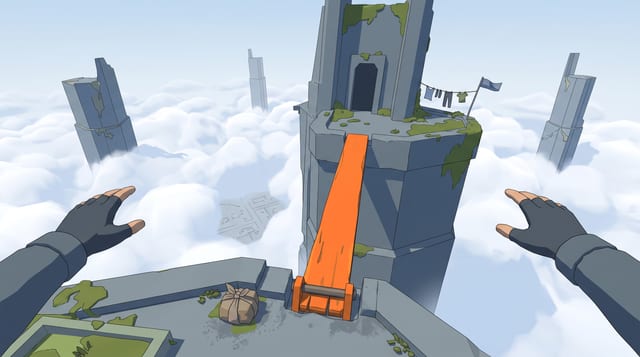 Play it
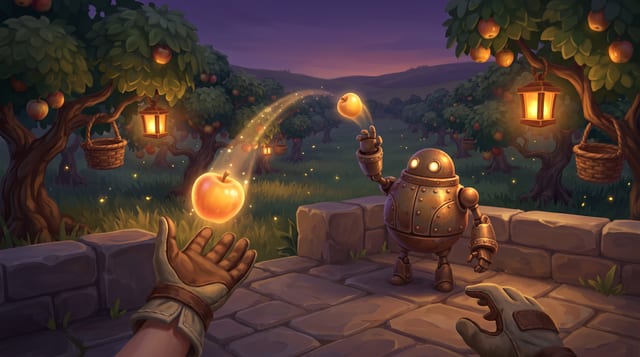 Play it
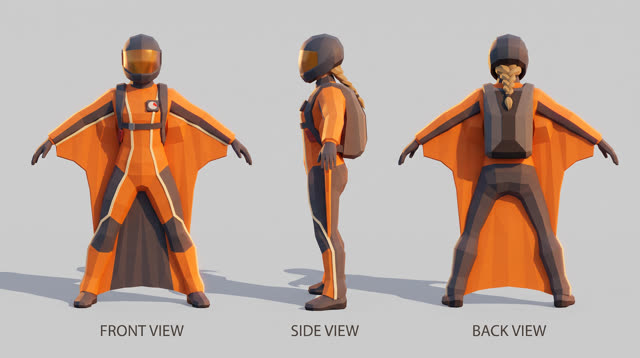 Play it
 Play it
 Play it
 Play it