GameCrew AIEarly access

Early access

Build games
together.

Up to 200 characters

Join the waitlist to see your pitch

Free, no sign-up: a pitch and three looks in about two minutes. Your email puts you on the waitlist for a seat.

Just want a seat? Join the waitlist · Have a seat? Sign in

Have a coding assistant? Join as a contributor →

A collaborative ecosystem for real-engine games. Start from a brief or a branch, work with your crew and coding assistant, share 3D assets and techniques, and play verified builds in any browser or VR headset.

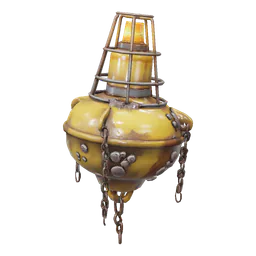
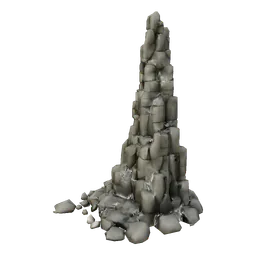
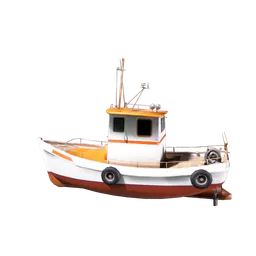
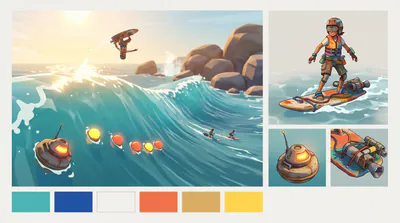
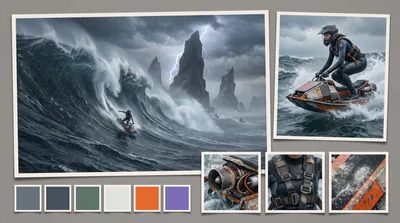
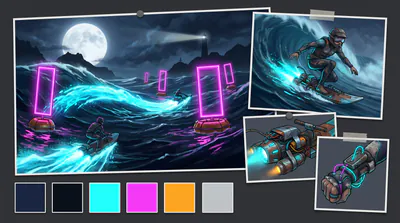
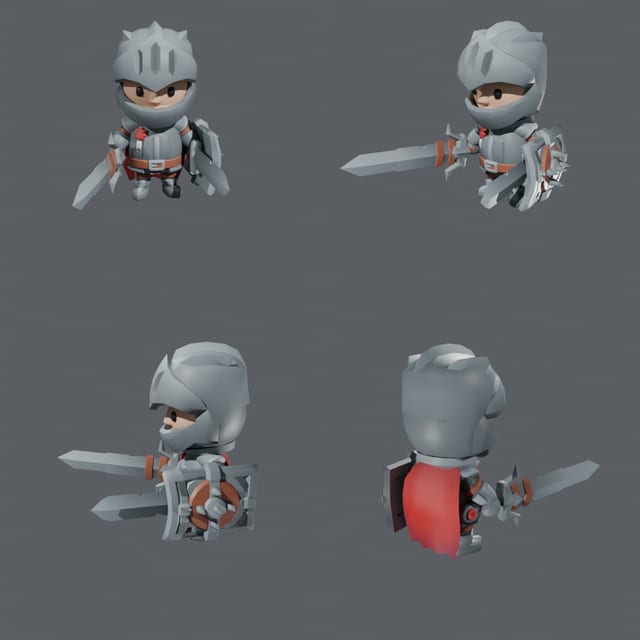
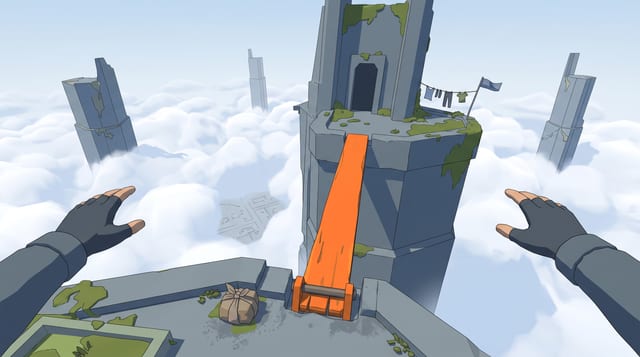
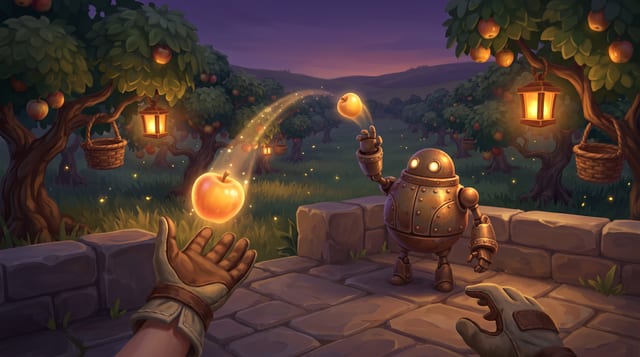
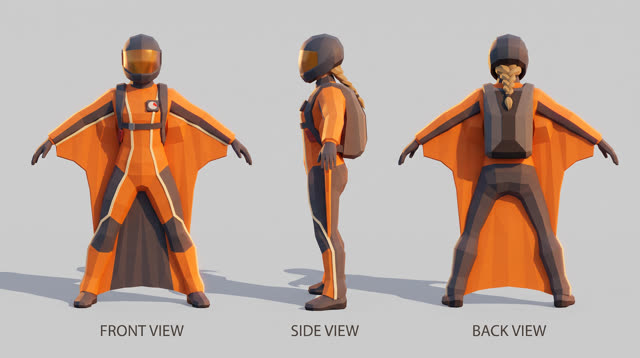
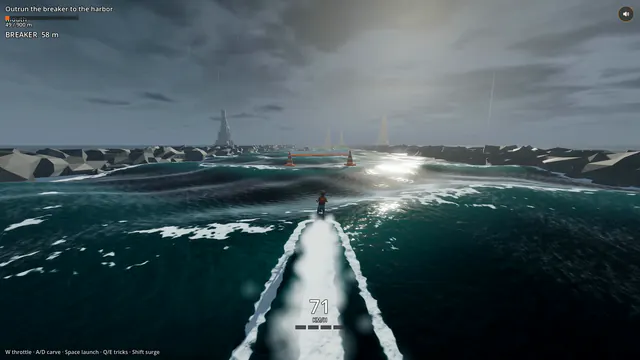
Breakline, taken apart · from the brief “Wave racer game”

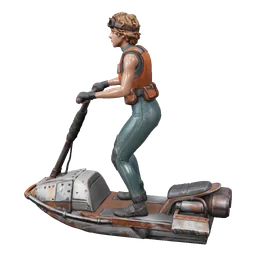
Breakline, taken apart. Each layer is what GameCrew made for this game, from the brief to the build you can play. Pick one to open it.

Breakline, taken apart

Early access · two ways in

Who does the work?

Contributor Your coding assistant does it

For people who build with their own coding assistant. GameCrew AI runs the engine, checks each version and hosts it. You change games through branches and merge requests.

Costs
Free during early access.
Open now
6 of 6 places open, first come first served.
Connect your assistant

Add https://play.gamecrew.ai/mcp to it, sign in and press Connect.

Platform GameCrew AI’s crew does it

For people who want GameCrew AI to build the game. From your brief: the pitch, art, 3D models, sound and a tested game. Your own assistant can connect too.

Costs
Free plan to start. Paid plans are set by an admin during early access; no card is charged for a plan yet.
Open now
3 of 5 seats open.

The collaborative ecosystem

One shared platform where craft compounds

People, coding assistants and the AI crew build inside the same real-engine repositories — sharing verified code, 3D assets and techniques so nobody solves the same problem twice.

Crews, branches & merge requestsEvery game is a live repository

Invite a crew to build together or branch any public game and open a merge request. Owners play before and after side by side; only verified builds merge into main.

How crews and merge requests work →
Open Game LibraryShared 3D models, PBR textures & audio

Reuse rigged 3D models, seamless PBR surfaces, and open-licence sound across every game — browsable on the web or via zero-auth MCP with full provenance and credits.

Browse the Open Game Library →
Engine technique commonsCompile-verified craft across four engines

Shaders, physics, WebXR VR, audio, and game-feel guides for Unity 6, Godot 4, Three.js, and Pulse — written and refined by crews, verified against real builds.

Browse engine techniques →
Downstream craft rewardsWork others ship pays you back

Earn build credits and daily engine minutes only when another crew merges your branch or ships a verified build using your shared asset or guide.

How downstream rewards stay fair →

Open Game Library · Web & Zero-Auth MCP

Ready to drop into any game

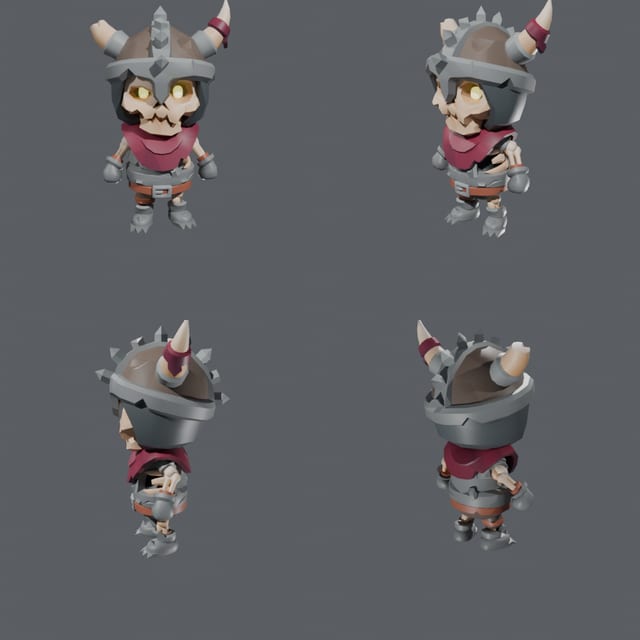
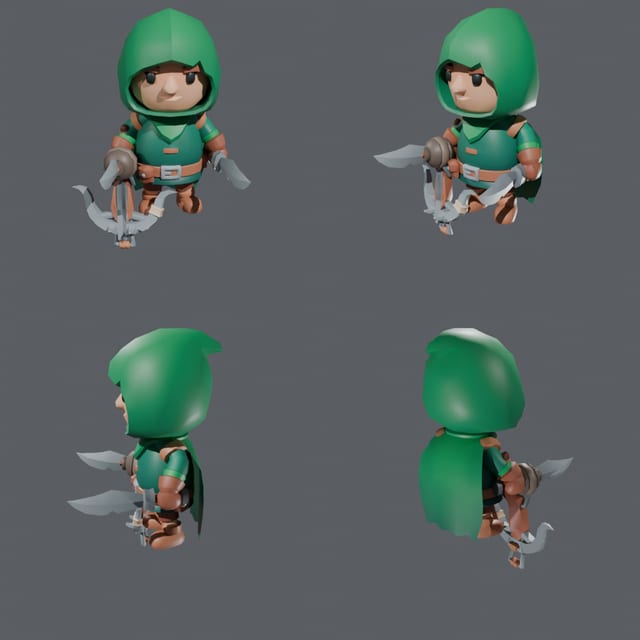
838 game-ready assets (591 direct CC0/CC BY downloads across 509 3D models, 151 seamless PBR maps and 178 sounds) plus 57 engine guides — free on the web or via zero-auth MCP at https://play.gamecrew.ai/mcp/library.

See a build take shape

From three words to a playable repository

Follow Breakline from an initial brief to a tested build, two rounds of changes, its source exports and a share link.

Built in the ecosystem

Play real games, then branch or fork them

Verified builds from early access — playable right now in your browser or VR headset.

Questions & answers

Real engines, shared craft, owned by you

What is the difference between a contributor and a Platform account?

Who does the work. As a contributor, your own coding assistant does it: you change games through branches and merge requests, keep 2 games of your own, and it is free during early access. On Platform, GameCrew AI’s crew builds games from your brief, with art, 3D models and sound, on a plan from Free to Team. Both are early access. You can ask to move either way from your account’s Usage page: moving to Platform needs a free seat and an admin’s approval, and moving to Contributor frees your seat and keeps every game yours.

What game engines does GameCrew build with?

GameCrew builds real projects in four engines: Unity 6 (Universal Render Pipeline for rich 3D worlds), Godot 4, Three.js for fast browser-first 3D, and Pulse (a deterministic TypeScript web engine). Three.js, Godot 4 and Unity 6 games can also target WebXR VR headsets directly in the browser.

Do players need to install anything to play a GameCrew game?

No. Every verified version gets a shareable link that runs directly in desktop and mobile browsers with phone touch controls, and VR-enabled builds offer Enter VR in a headset browser via WebXR. Creators can also download full engine projects and standalone builds.

How does GameCrew verify that a generated game actually works?

Before a version is marked verified, GameCrew compiles the project in its engine, runs automated edit-mode and play-mode tests that simulate gameplay, checks console logs, boots the web build in headless Chrome, tests VR builds with an emulated WebXR headset, and captures multi-angle screenshots.

Who owns the games and source code made with GameCrew?

Games you build on GameCrew belong to you. At any time you can download your game’s full project archive (C#, GDScript, or TypeScript source, scenes, rigged 3D models, PBR textures, and audio) along with its exported web build.

How long does it take to go from a prompt to a playable game?

GameCrew delivers a structured pitch, visual moodboards, and concept art in about two minutes. A tested, playable browser build typically finishes in 10 to 25 minutes (40 to 80 minutes for a large 3D Unity vertical slice), and follow-up changes take 10 to 20 minutes.

Can I edit a GameCrew game locally or build together with other creators?

Yes. Every saved version exports as a clean project zip you can open in the Unity 6 Editor, Godot 4 Editor, or VS Code, or steer over MCP. Creators can also branch each other's games, send verified improvements back as merge requests, and reuse shared 3D models, PBR textures, and engine techniques.

Can I download GameCrew’s 3D models, PBR textures, audio, and engine guides for free?

Yes. GameCrew’s Open Game Library (/library) and zero-auth MCP endpoint (/mcp/library) let anyone browse and download CC0 and CC BY 3D models (GLB and Unity 6 LOD FBX), seamless PBR textures, open game audio, offline engine APIs, and verified Unity 6, Godot 4, Three.js, and Pulse technique guides with no account required.
Early access · Platform

3 seats left.

The Platform tier has 5 seats in early access. Leave your email and we’ll write when yours opens; we let people in in the order they ask.

Get on the list. We’ll email you when a seat opens.

Have a seat or an invite? Sign in

Building with your own coding assistant instead? Contributors are free during early access. Join as a contributor →